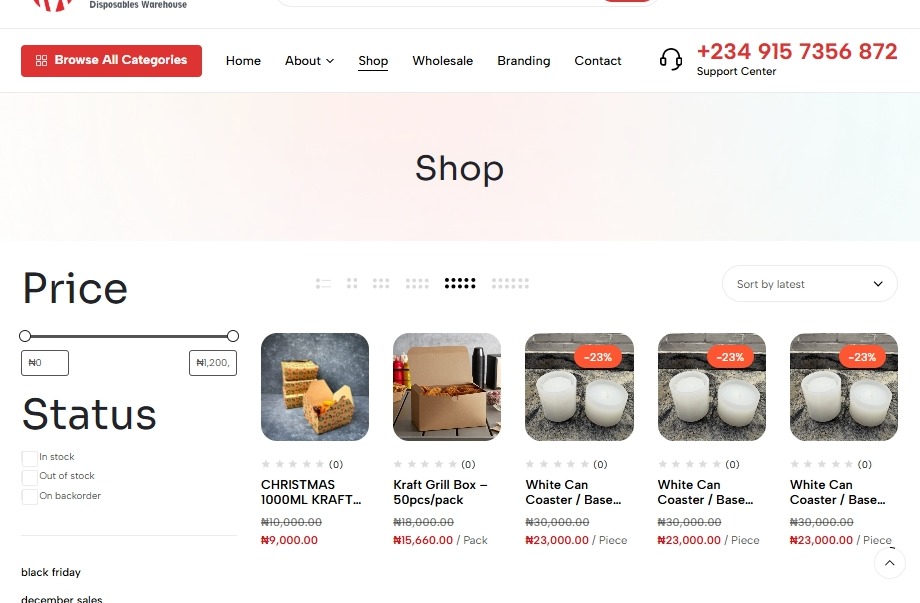
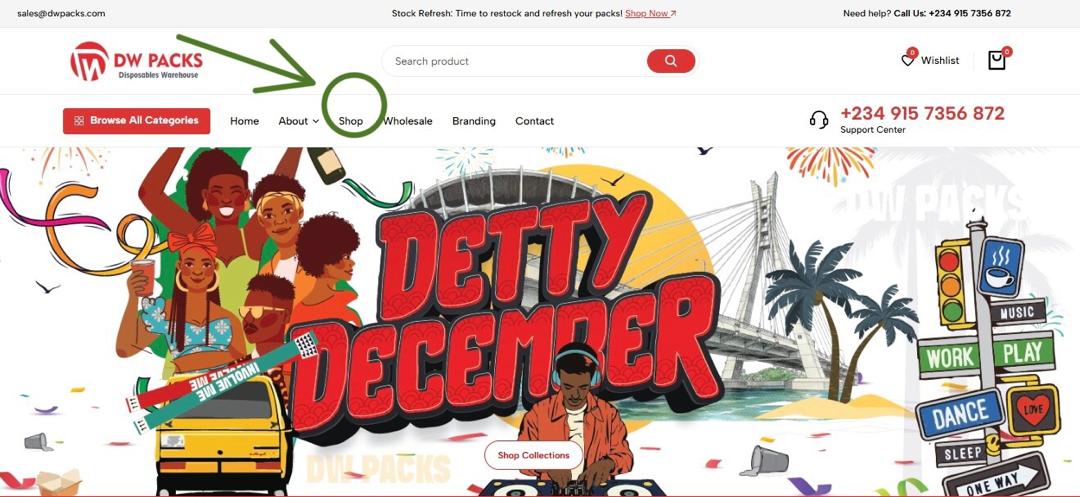
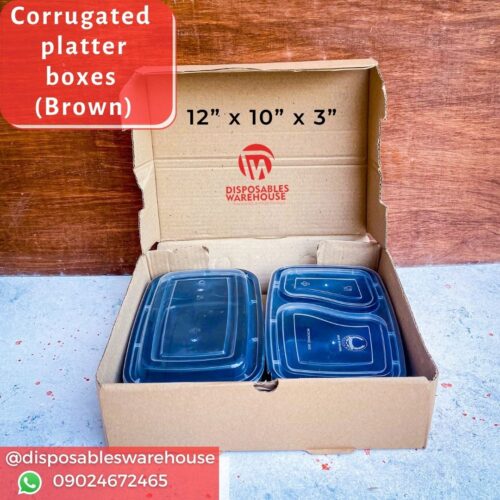
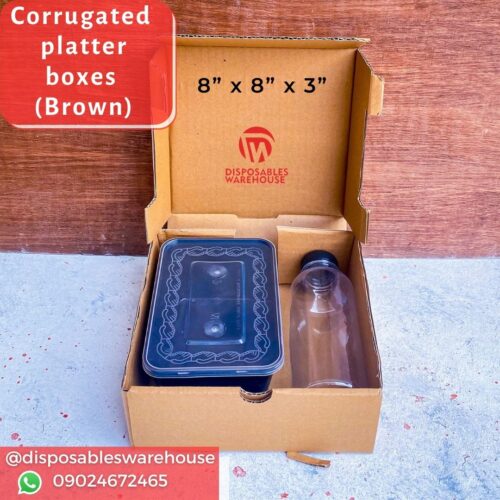
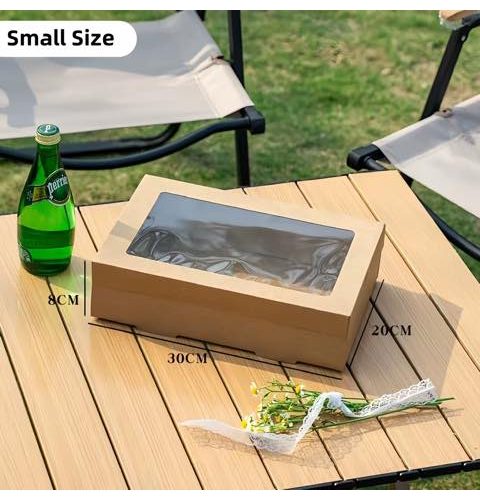
The main Shop (or Products) page appears after clicking the “shop” page on the navigation bar. it is designed to help you efficiently sort and filter our entire collection to find the perfect item. Follow these steps to navigate and refine your search effectively.
Step 1: Accessing the Shop Page
Click the Shop page link located in the main header navigation. This takes you to the comprehensive listing of every item available on Dwpacks.com
Step 2: Utilizing Filters to Narrow Your Search
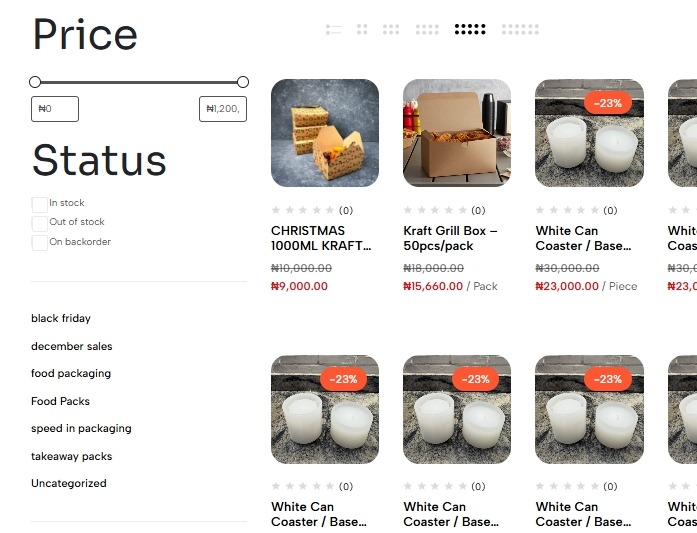
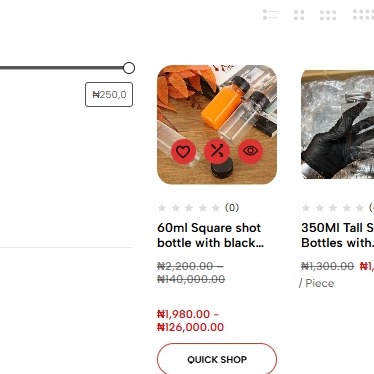
The filter panel is found on the left side of the Shop Page. Use these filters to quickly narrow down hundreds of products to exactly what you are looking for:
Product Status: Filter your results to show only available items:
In Stock: Only show items currently ready to ship.
Out of stock: Only show items currently ready to ship.
Price Range: Drag the slider or input minimum/maximum values to match your budget.
you can also read blogs and news about dwpacks to get the recent update
Step 3: Sorting Your Results
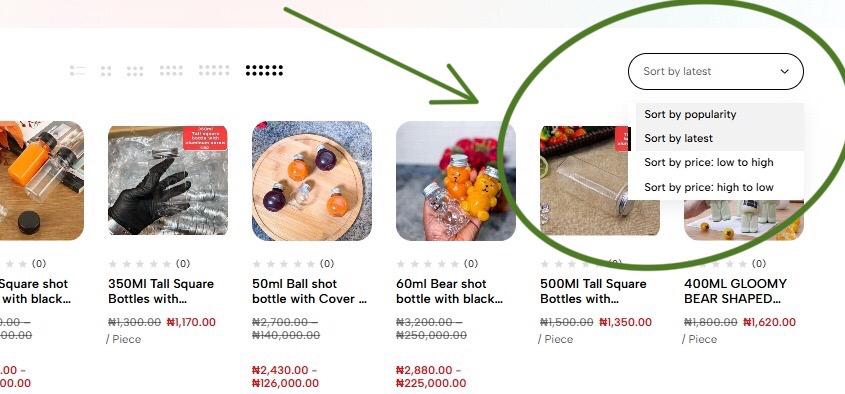
Located typically near the top-right corner of the product listings, the Sort By dropdown menu allows you to arrange the filtered products based on different criteria:
Popularity: The default view, showing current popular and highlighted items.
Latest: Shows the most recently added items first.
Price: Low to High: Useful for budget shopping.
Price: High to Low: Useful for seeing premium items first.
Step 4: Viewing Product Details
Once you find an item you like:
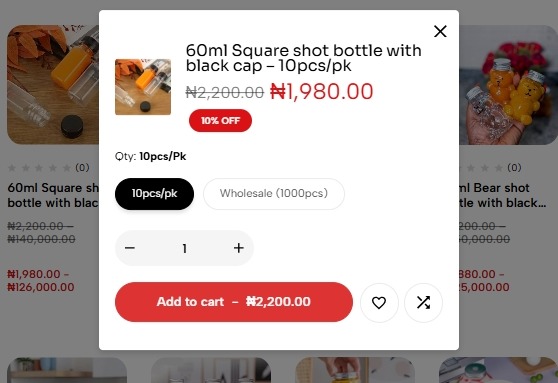
Hover: Hover over the product image to see a quick shop button. click the button to bring up a box where you can easily add products to cart after selecting the desired quantity (bulk quantity or retail quantity) and the desired amount by clicking on the plus (+) or (-) button to either increase or decrease the amount before adding to cart.
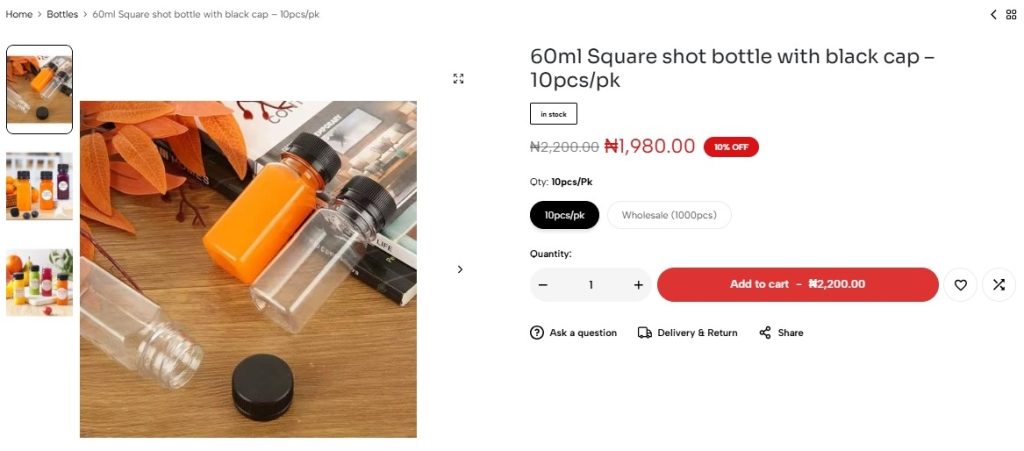
Click: Click the product image or name to be taken to the dedicated Product Page, where you can find full descriptions, specifications, more images of the product, and customer reviews before adding it to your cart.
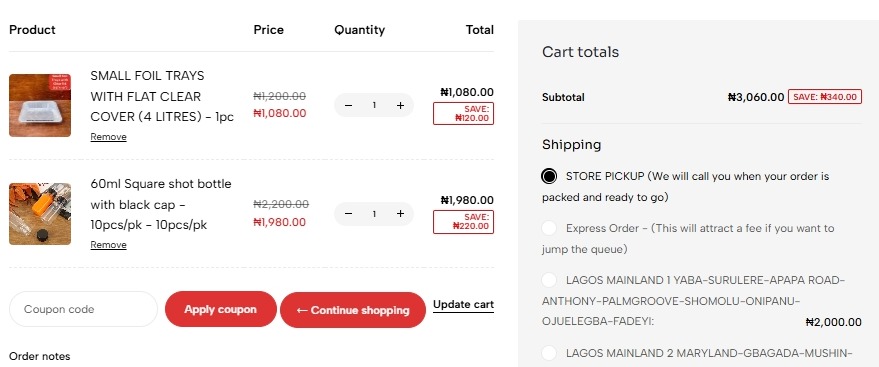
Step 5: Managing Your Shopping Cart
Your cart acts as a holding area for all the items you plan to buy.
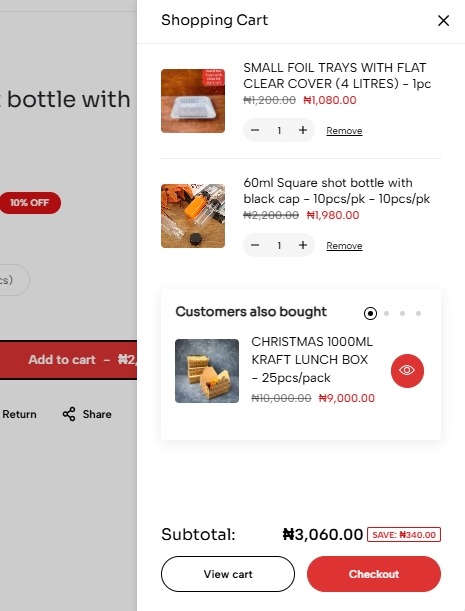
Accessing the Cart: Click the Shopping Cart Icon (usually a small bag or trolley icon) located in the upper-right corner of the site.
Review and Edit: On the Cart page, you can:
Adjust Quantity: Use the + and - buttons next to an item to change the quantity.
Remove Items: Click the X or Remove button next to an item you no longer wish to purchase.
Proceed to Checkout: Once your order total looks correct, click the Proceed to Checkout button.
Steps 6: Secure Checkout
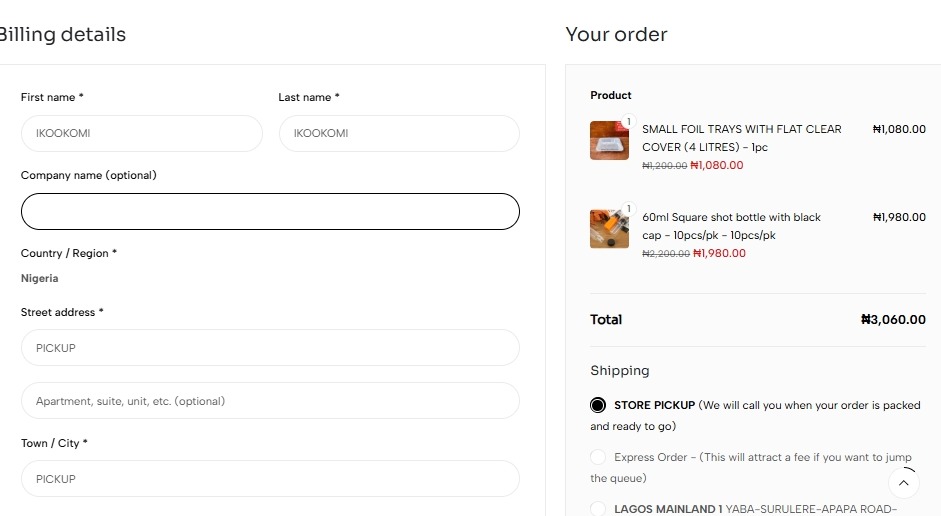
The checkout process is a simple, multi-step form ensuring we collect all necessary details to process your order accurately.
Shipping Information:
Log In: If you haven’t already, you may be prompted to log in to auto-fill saved addresses.
Input Details: Enter your name, full shipping address, and contact information (phone number, email).
Shipping Method:
Select your preferred delivery option (e.g., Standard 5-7 days, Express 1-2 days). The cost and estimated delivery window will update automatically.
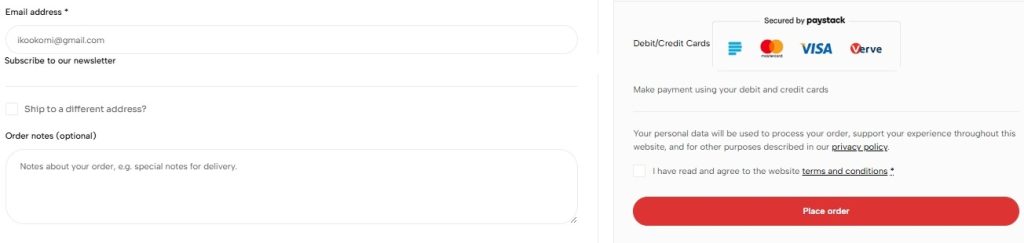
Payment:
Select your payment method (e.g., Credit Card, PayPal, Apple Pay).
Securely enter your payment details. Note: Your payment information is always encrypted and never stored by Dwpacks.
Review and Complete:
This is your final chance to check your items, address, shipping choice, and total cost.
Click the final button (Place Order) to complete the transaction.
Confirmation: You will immediately see an on-screen confirmation and receive an email with your Order Number (which you’ll need for tracking and support).